Workspace
One current folder. New, Open, Browse. Every live Bot and every linked editor works in this folder.
Coming soon · House on your PC
Agent Control is a house on your PC that wakes the editors you already own from Grok Bot. Grok Bot stays the manager. The house holds one current folder, linked editors, a live terminal on Build, and a ping when the work is done.
Each install is a house. It listens on that computer. The PC must be on. Closer to a workshop on the desk than a cloud project board or a chat room in the sky.
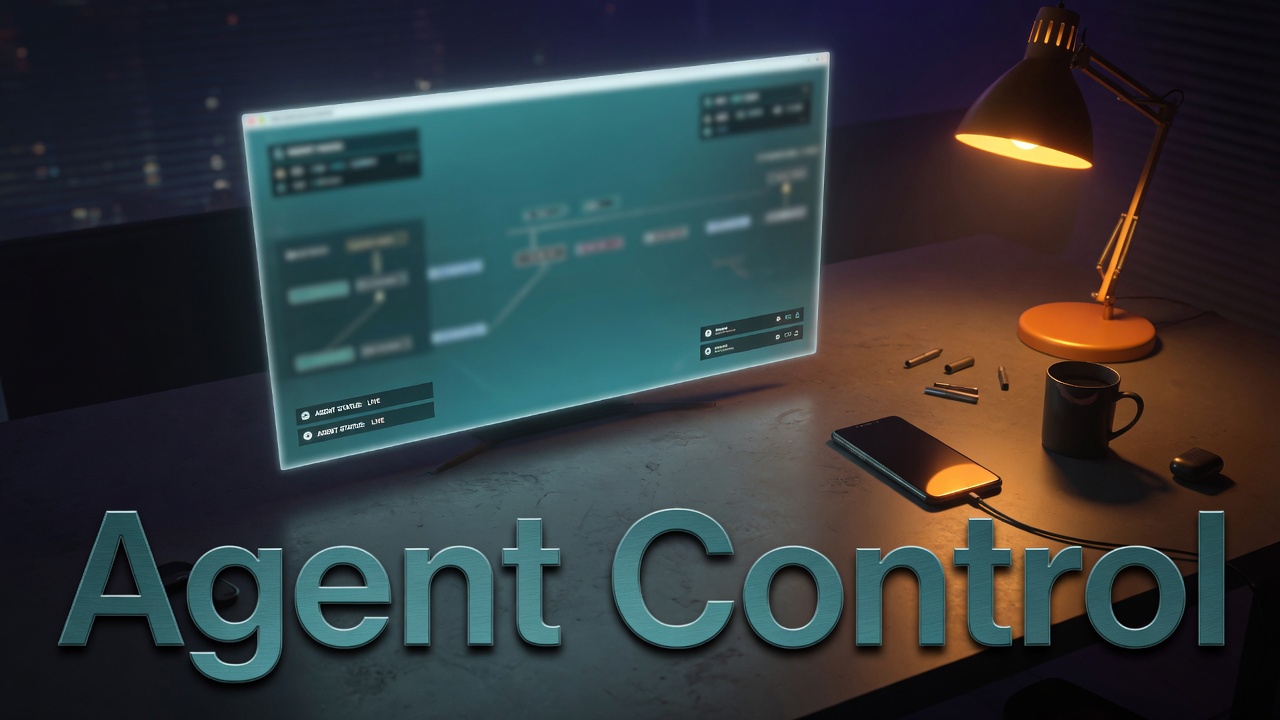
Live capture
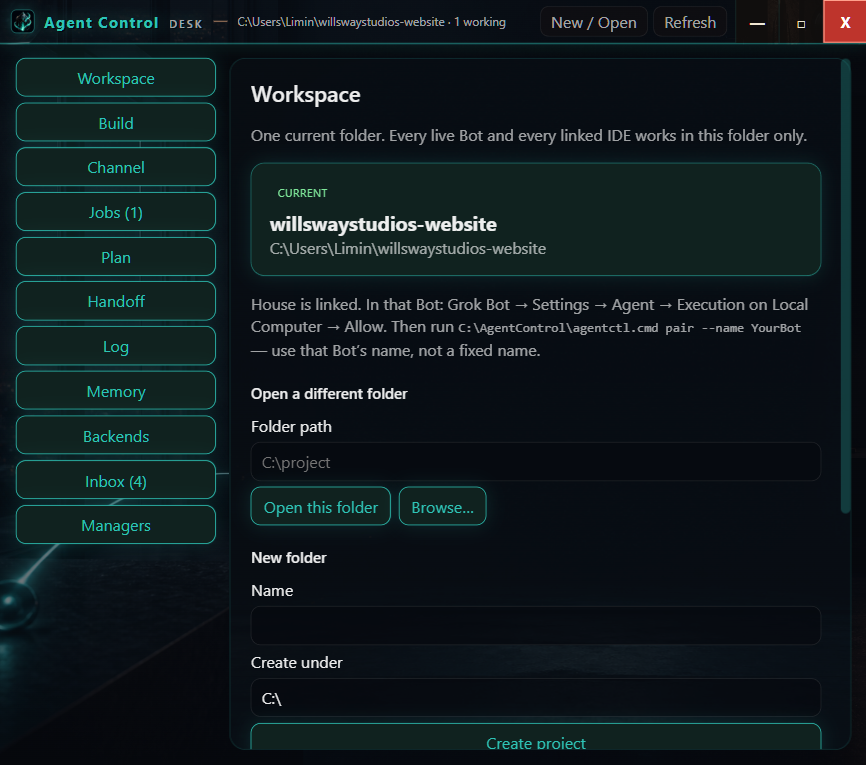
Pair the house with Grok Bot, set a workspace, then submit a job. Finish text is five blocks: did, analyzed, sits, next, problems. The Bot that sent the work gets PROGRESS, then FINISHED, then a confirm.
The loop
01
Install Agent Control on the PC that has your editors.
02
Link Grok Bot as the manager. Link the editors you already own.
03
From the phone, say what to do. The house runs it on the open folder.
04
When the turn finishes, the bot that sent the work is told.
One current folder. New, Open, Browse. Every live Bot and every linked editor works in this folder.
Live house terminal. Type here. Grok Build jobs attach to this same session.
Idle, working, done, blocked. Submit returns accepted at once.
Hand-offs between live managers and the desk.
The current job holds the desk. A new job takes its place.
Did, analyzed, sits, next, problems. Notes at the bottom are yours.
Each paired Grok Bot and how this house wakes that same chat.
Scan, Connect, or Skip each editor already on the PC.
Spec for the current job, constraints, decisions. Older work stays in the record.
Technical
The house lives on the PC that already has your editors. It listens on that machine. Pair Grok Bot, connect the editors you own, and keep the current folder as the only live workspace.
Idle, working, done, blocked. The live terminal is the build surface. A new job takes the desk. When a turn finishes, the bot that sent the work is told.
Each paired Grok Bot is a manager this house can wake. Scan, Connect, or Skip each editor already installed. The house does the waking. You already own the tools.
Finish text is five blocks: did, analyzed, sits, next, problems. Notes at the bottom stay yours. The PC must be on for the house to answer.
Wake the editors you already own from Grok Bot. The PC must be on. Agent Control is the local arm between a manager chat and the tools already on the desk.