Browser Console
trackdocument.querySelector('h1')?.innerTextSandbox uses a practice document. Live needs an explicit unlock.
Coming soon · Browser Console · PowerShell · Command Prompt
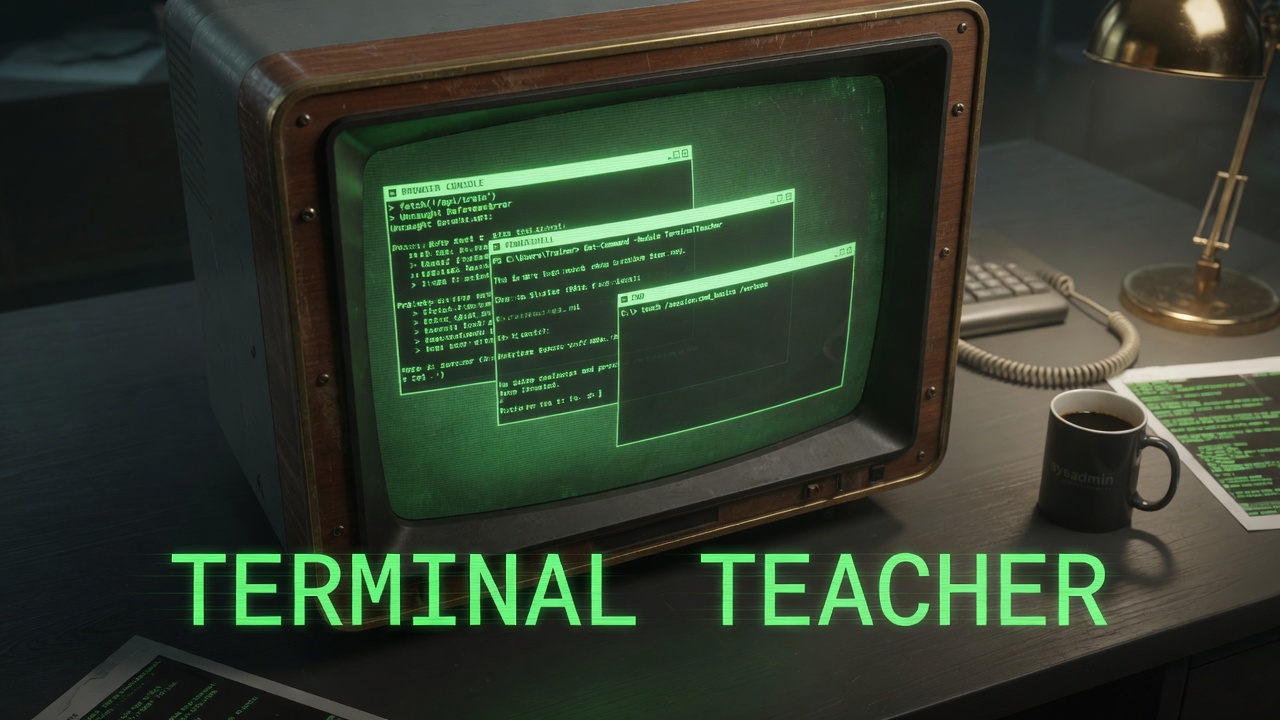
Terminal Teacher trains Browser Console, PowerShell, and Command Prompt. Open a card, read the explain, run it in a sandbox first, and unlock live execution if you confirm. Chat can sit beside the lesson if you bring your own key. Coming soon.
> Sandbox is the default. Live is a lock you open on purpose.
> Three dialects, one trainer.
> Shell tracks start in a simulator. Console live runs wait for an explicit unlock.
document.querySelector('h1')?.innerTextSandbox uses a practice document. Live needs an explicit unlock.
Get-ChildItemSimulated shell. Practice first, then unlock live if you confirm.
ipconfigWindows Command Prompt, same trainer, different dialect.
Technical
Browser Console, PowerShell, and Command Prompt share one card layout. Each track keeps its own dialect so a lesson in one shell stays in that shell.
Explain is on the card. Sandbox is the default run. Live execution is a lock you open on purpose, after you confirm.
Chat can sit beside the lesson if you bring your own key. The trainer still works as cards and a sandbox when chat stays off.
Shell tracks start in a simulator. Console live runs wait for an explicit unlock. You feel the command before it touches the real machine.