Editor
Hub, scene, materials, live preview. Orbit, gizmos, play on the terrain you just grew. Play in the Maker uses the same picture as edit.
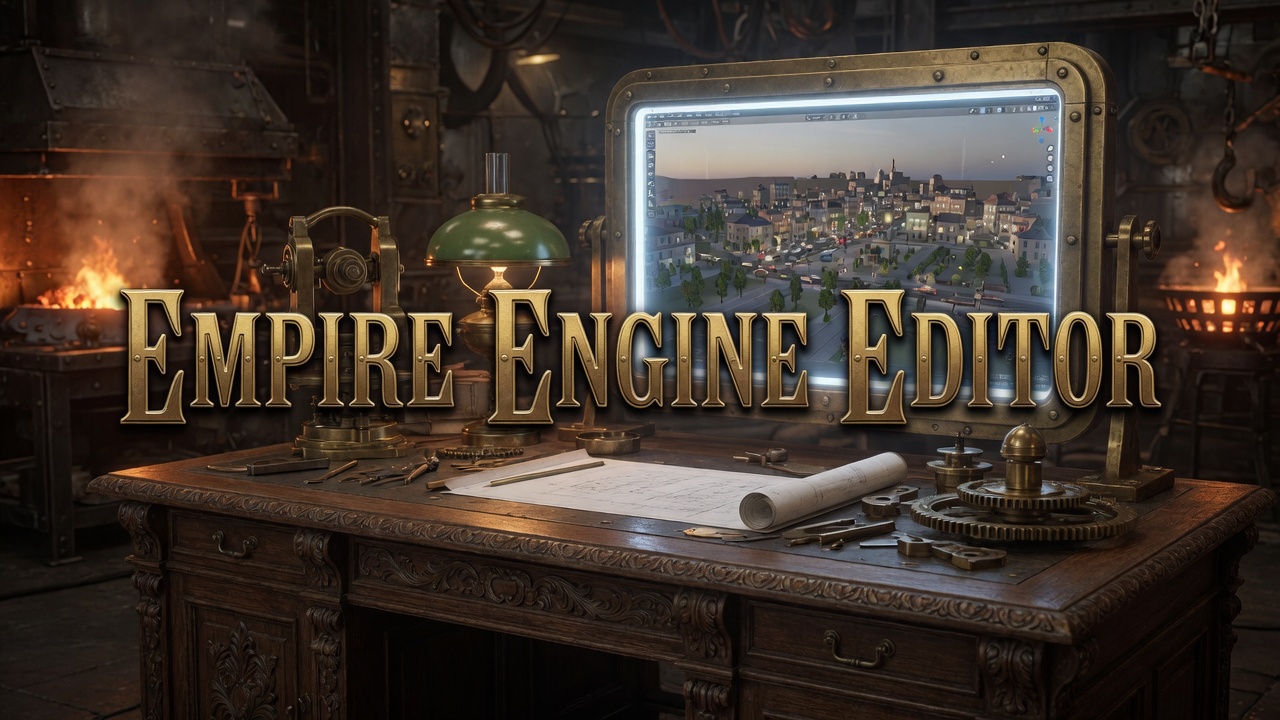
Coming soon · Engine pathway
Empire Engine Editor is the native Maker on the Engine pathway. Editor, Animator, and Rigger live in one process with play. You grow worlds with layered procedural construction, then walk them on the same desk.
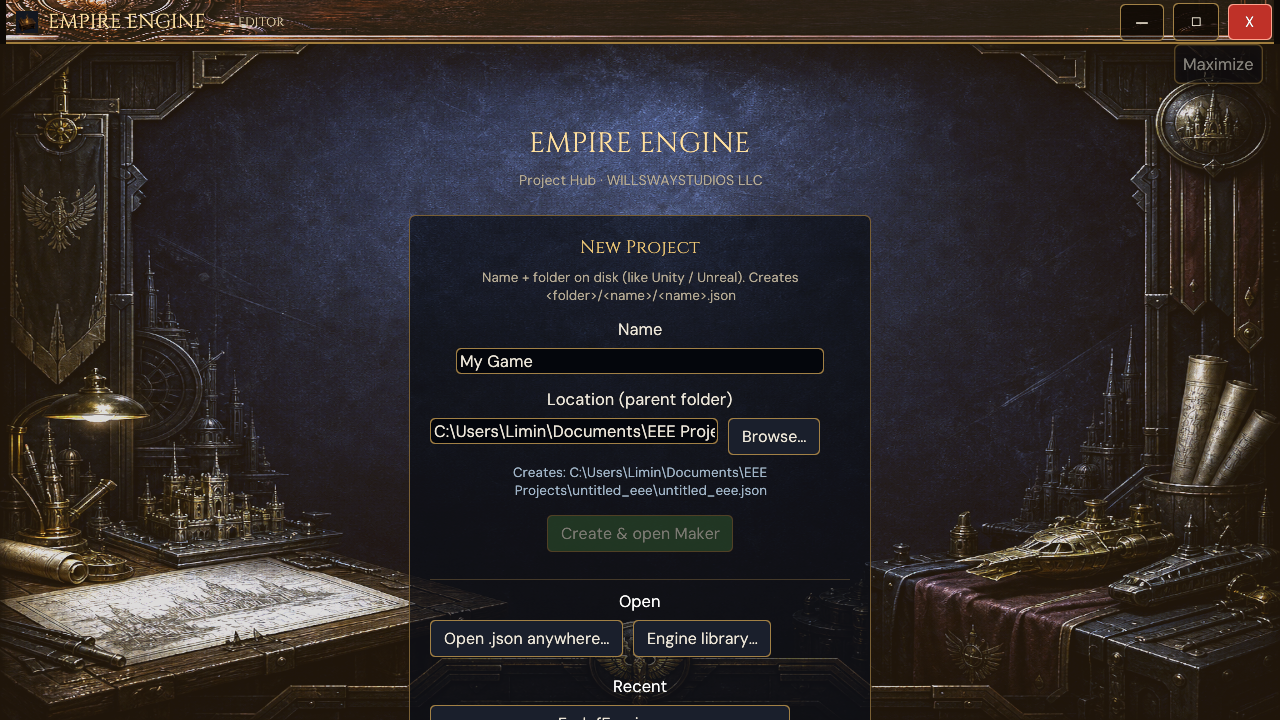
Cold start is the Project Hub: name a title, open a project on disk, or pick from the Engine library. Create and open Maker puts you in the same process as play. Fit Studio and Agents sit on that desk. When you ship, you pack a player for the title. Authoring tools stay with the Maker.
Live capture
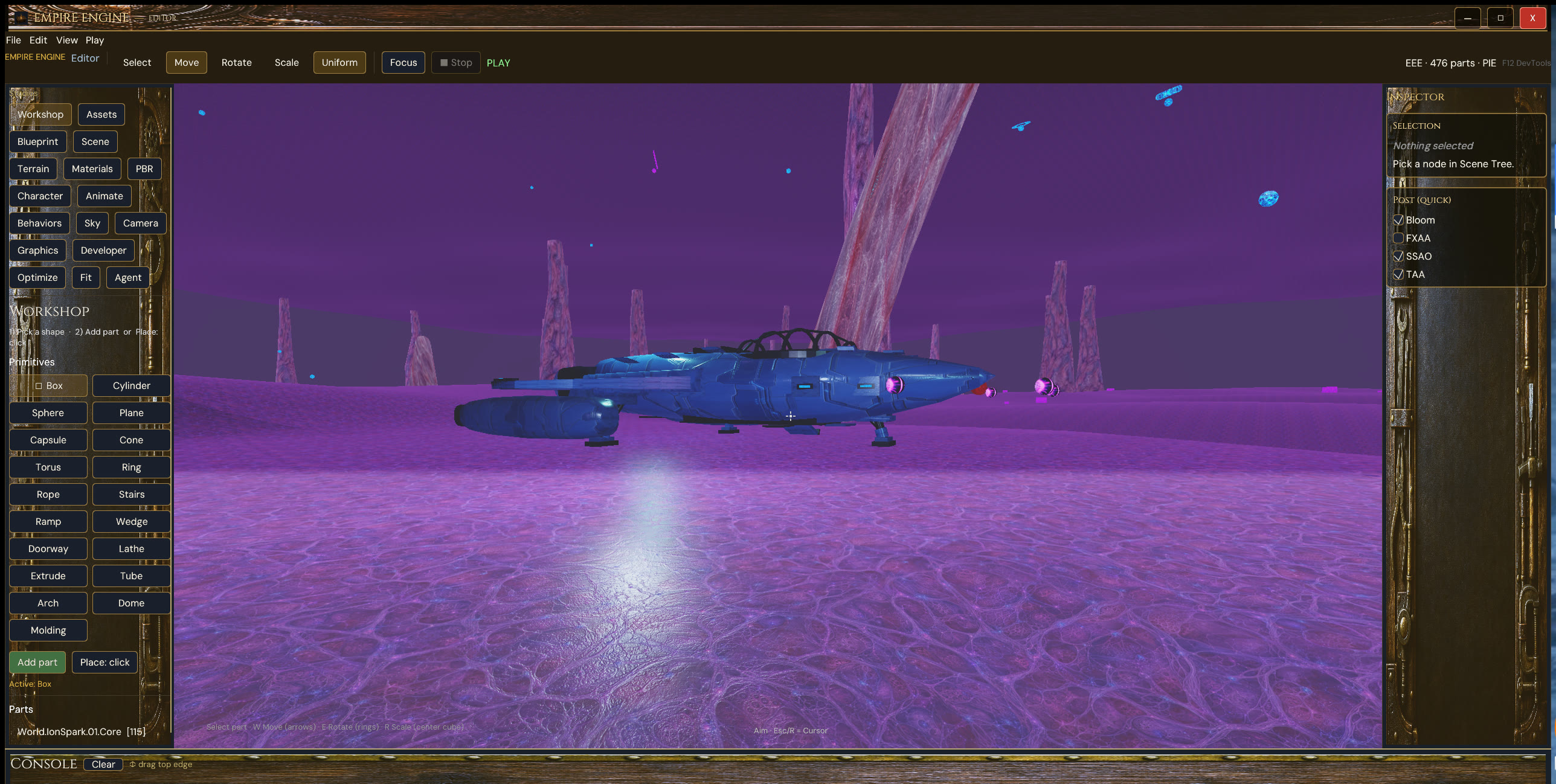
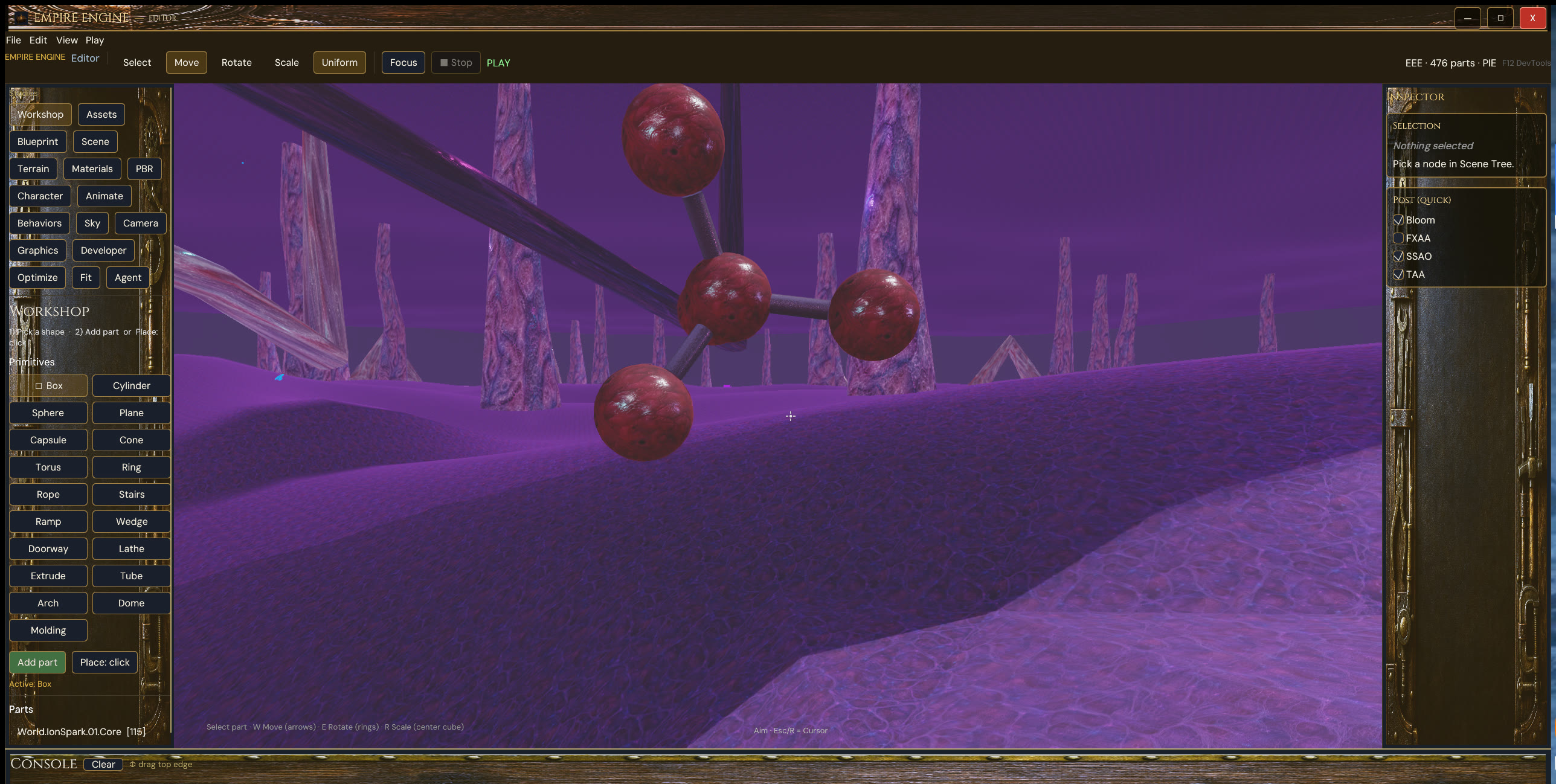
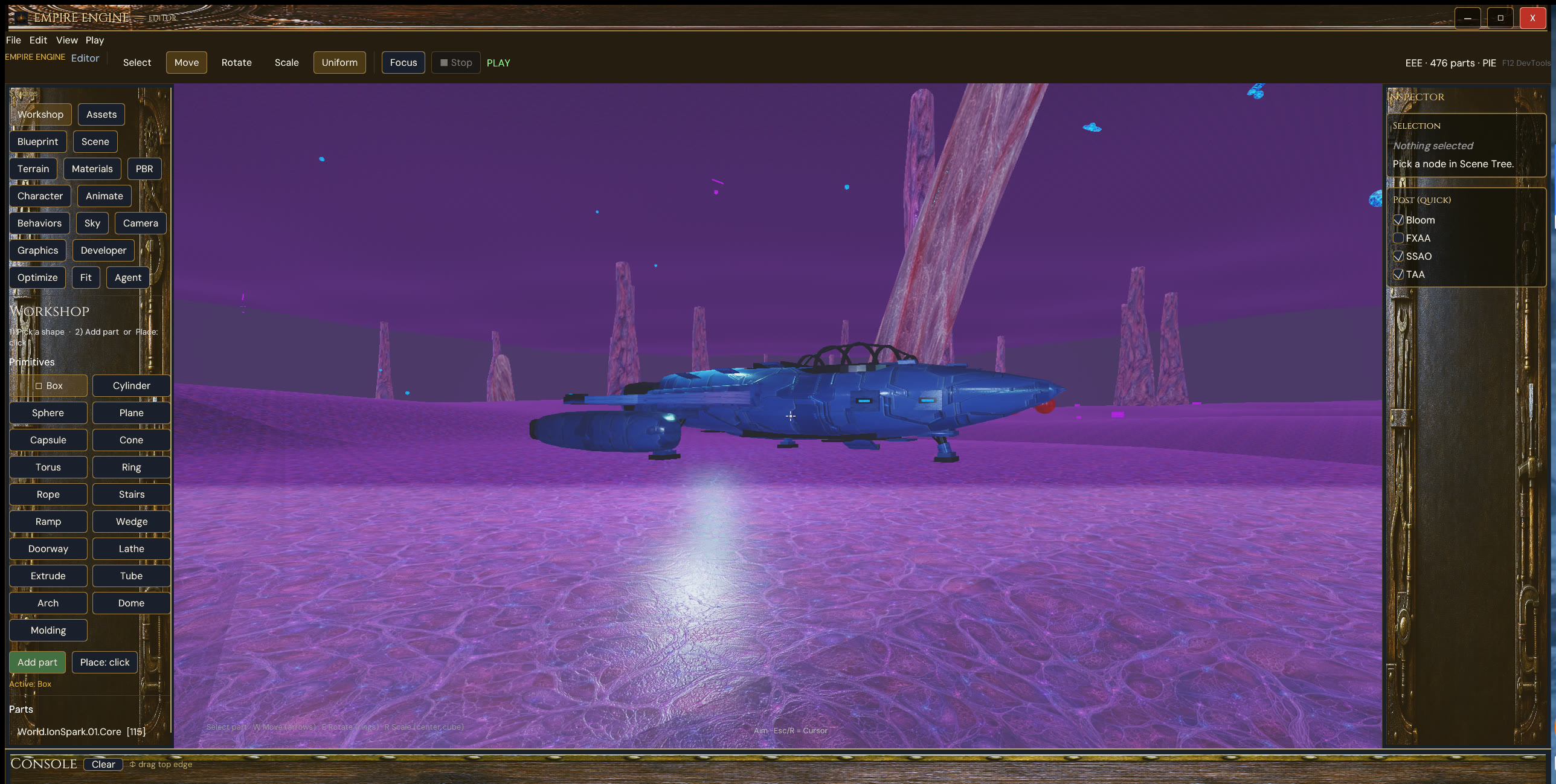
Only the open project is in memory. The clips below are two different saves: a city scene, then a ship on purple terrain. Workshop, Inspector, Play, and console stay on the same desk.
City project
Ship project
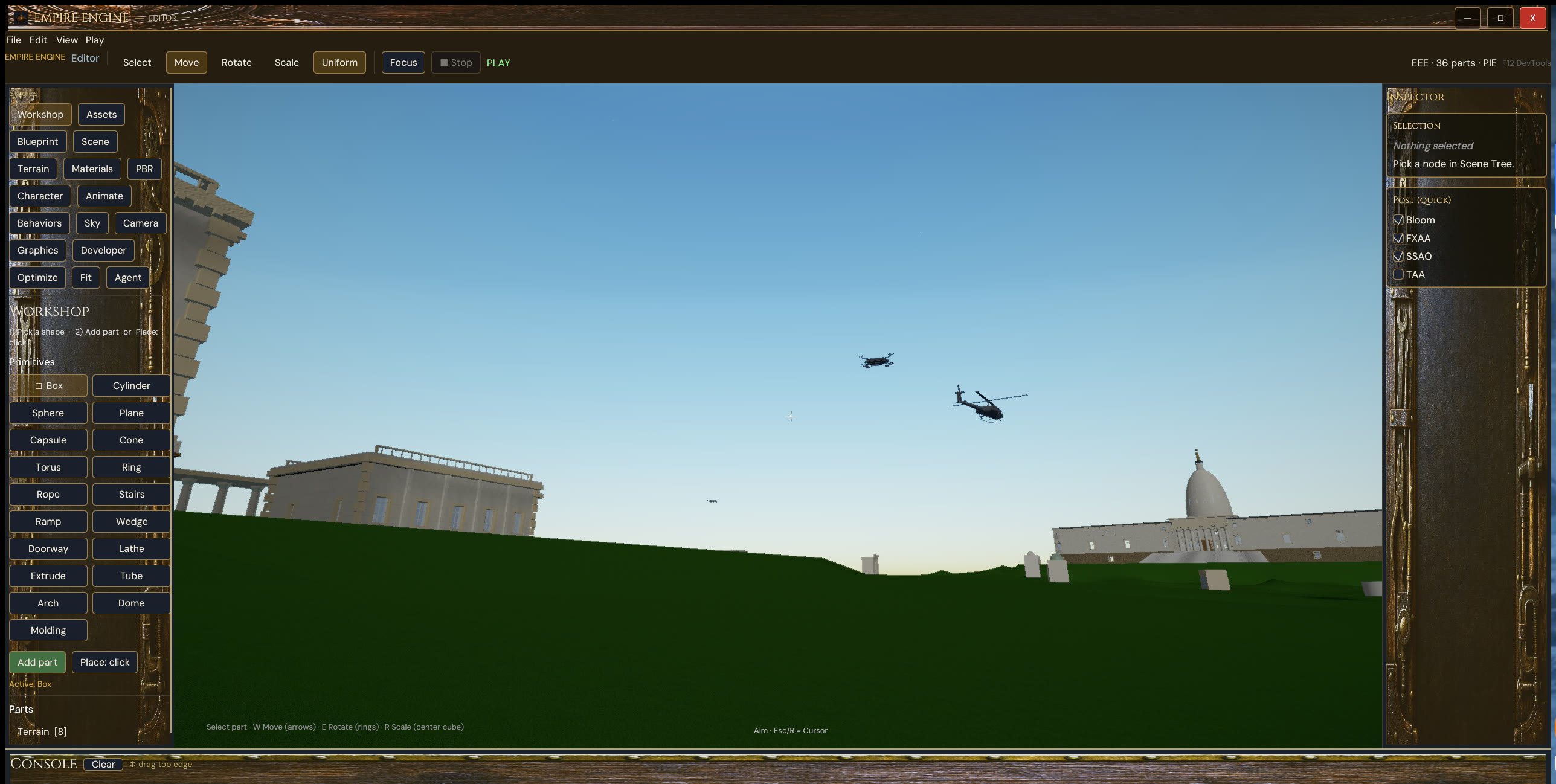
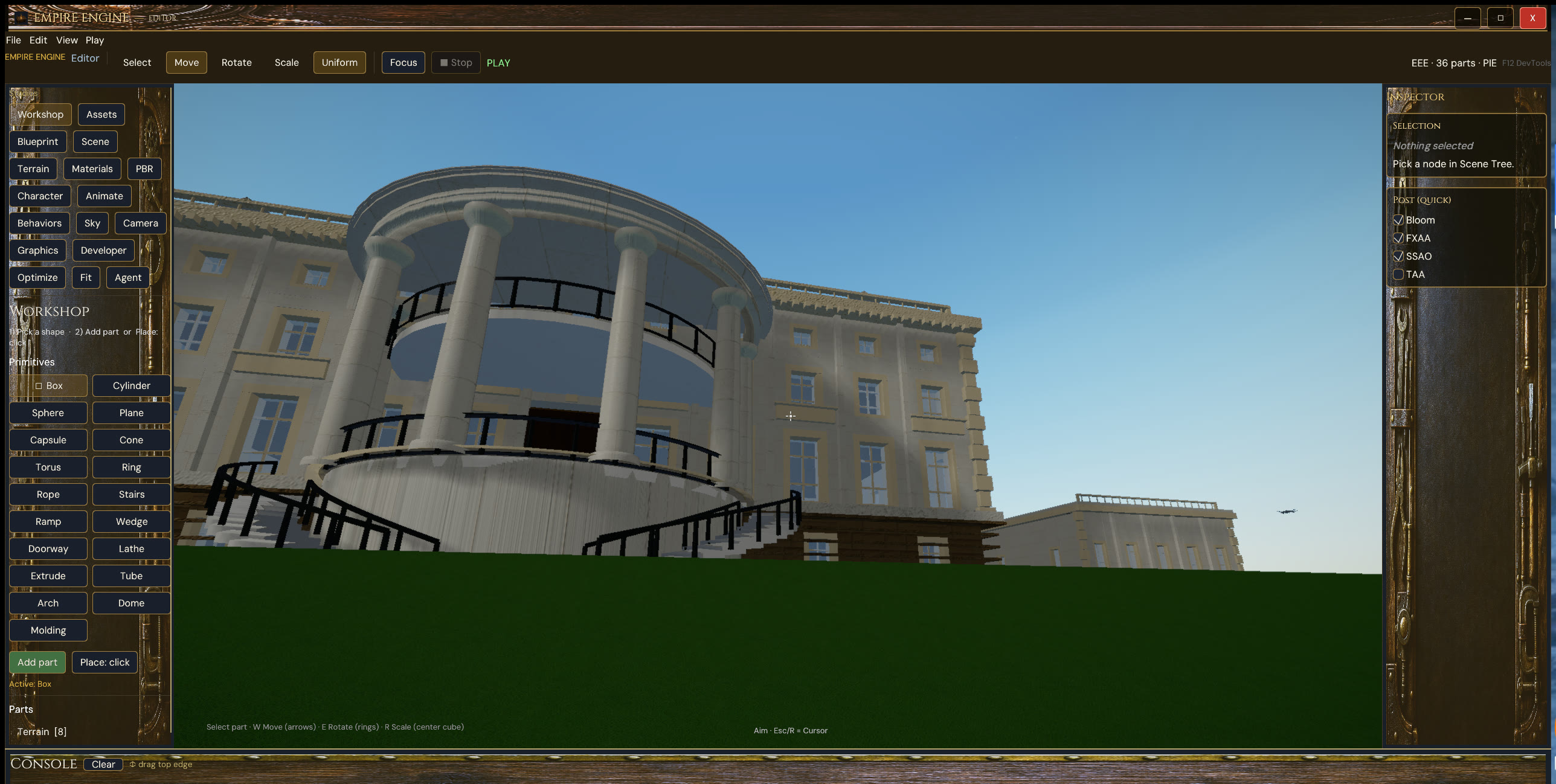
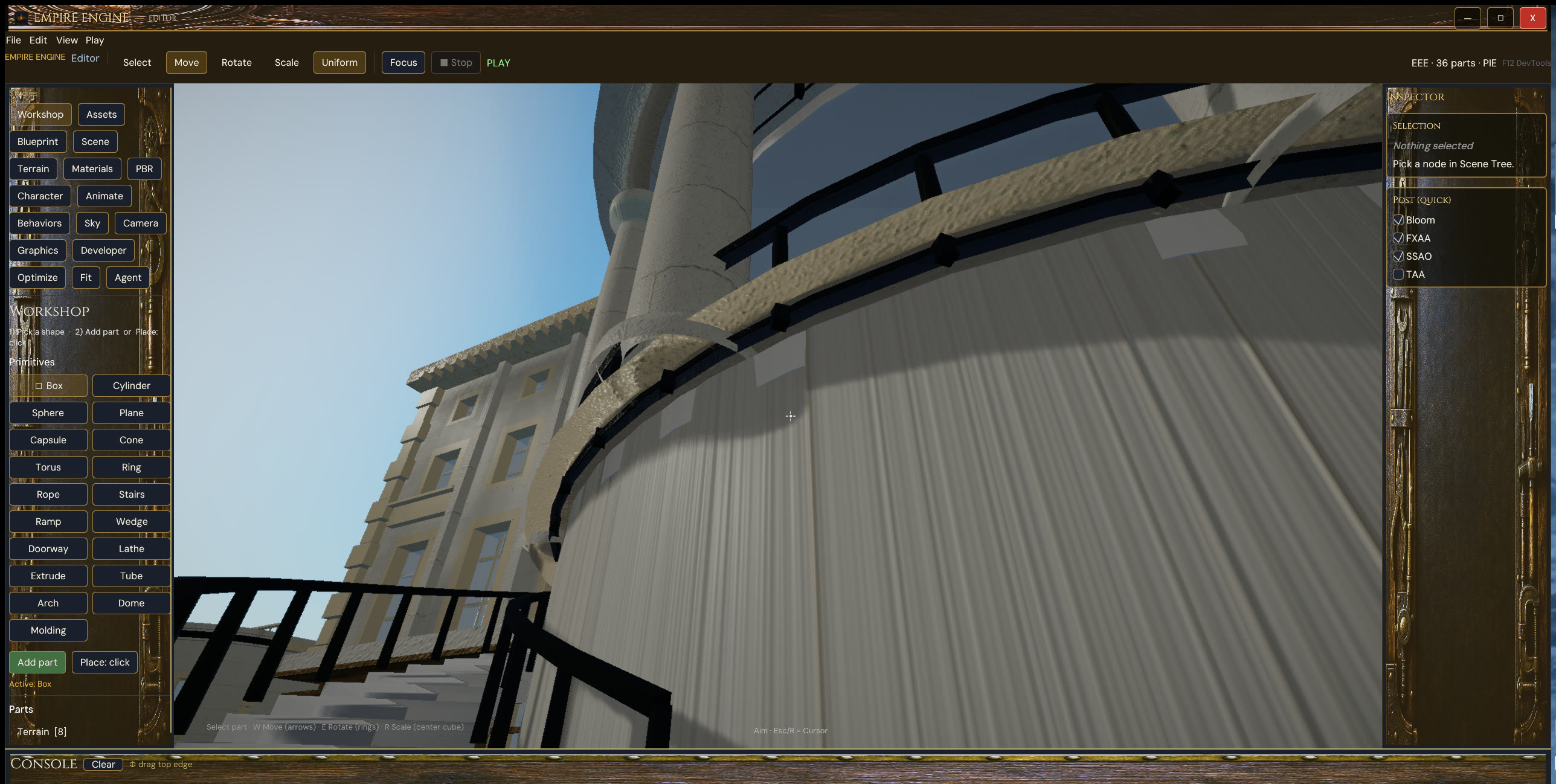
What you open
New Project takes a name and a folder on disk. Open a project from disk, or pick a title from Recent and the Engine library. Play in the Maker uses the same picture as edit. A shipped player is a separate package for the title.
Live capture
Construction
You build in layers, from the large form down to the fitting, and keep the work in the Maker. The same desk covers a capital, a ship, a tree, and a walk cycle. Editor, Animator, and Rigger share that layered path.
Hub, scene, materials, live preview. Orbit, gizmos, play on the terrain you just grew. Play in the Maker uses the same picture as edit.
Motion as another stack of layers. Profiles and clips you can read on the desk.
Joints and grips for characters. Pose data that stays reviewable.
Technical
Authoring and play share a process. You name a project, open the Maker, grow the scene, and hit Play without leaving the desk. Fit Studio and Agents stay on that same surface.
When the world is ready, you pack a player for the title. Authoring chrome stays with the Maker. The player is what you hand to someone who only wants to play.
Construction is layered and procedural: large form first, then the fittings. Capitals, vehicles, characters, and motion stay on the same path so a change at the desk is a change in play.
The product is Empire Engine Editor. The pathway is Engine. End of Empires is moving onto this Maker. The library, the hub, and the ship stay inside this product.